Mood board to priced collection buyers can share.
To turn a mood board into a priced collection, link each item to a product in your catalog, set its finish and size, and price it from your rules. Poly9 AI shows a certified price where a rule covers the line and price on request where one is missing. It publishes the collection at one link buyers open on a phone and forward to their team.
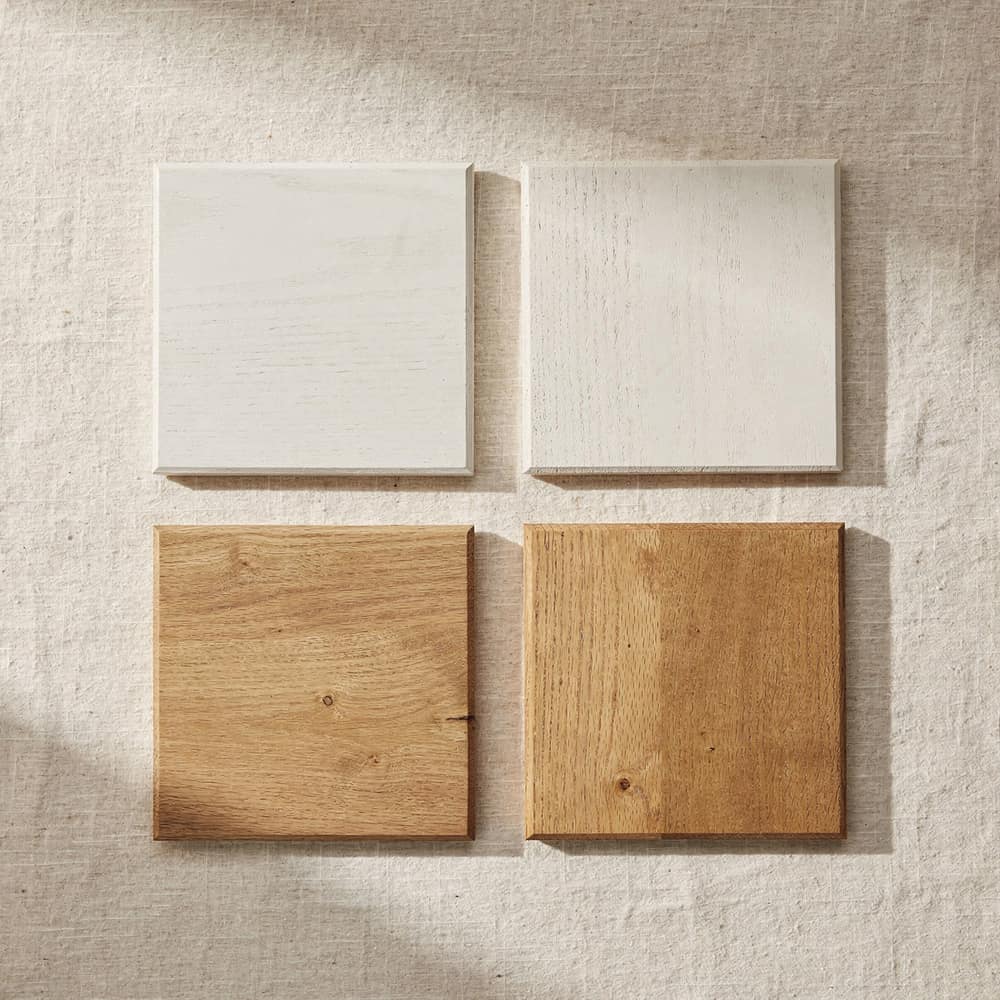
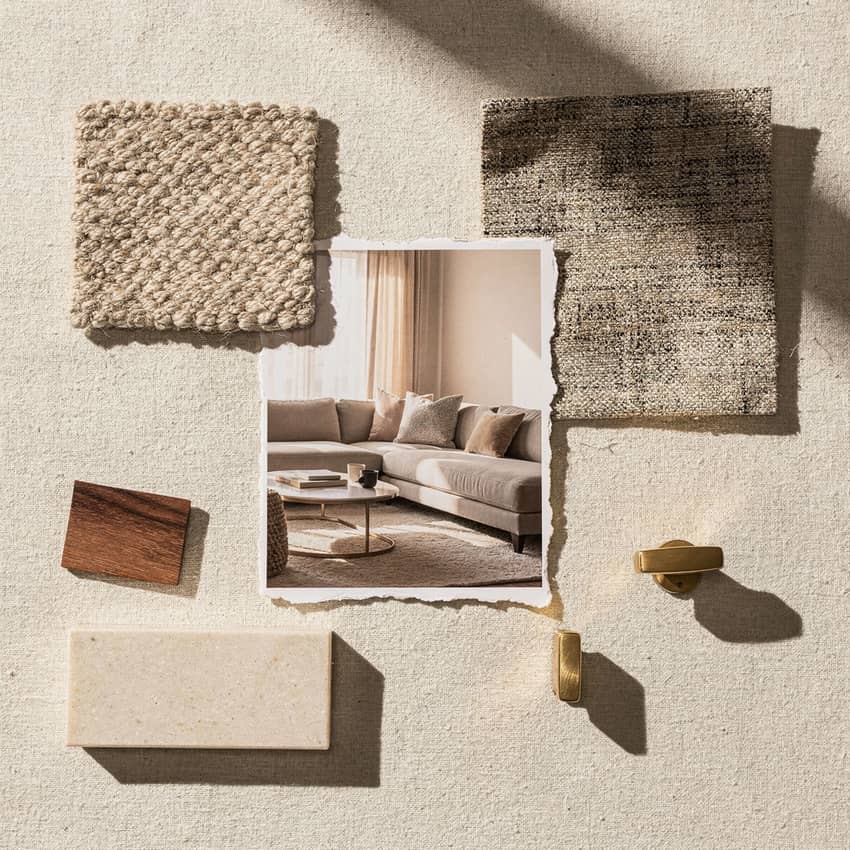
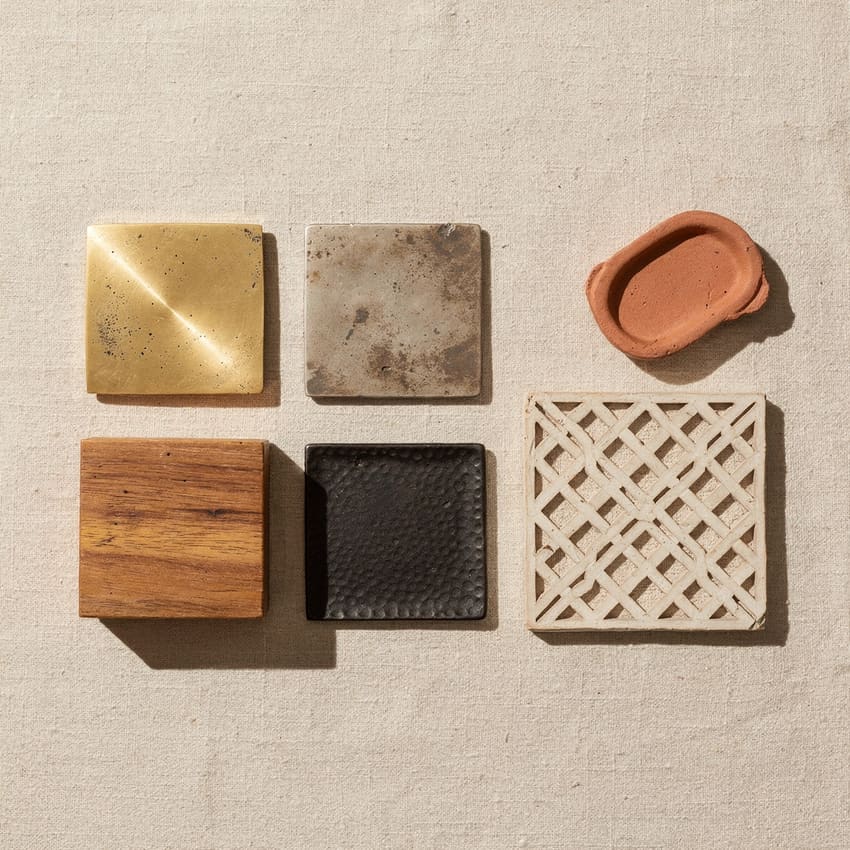
Mood board from your style story
Mood board: finish samples, room context, material family. AI renders.
The priced collection link: configured items with certified pricing or price on request.
Mood boards sell the story. Pricing closes it.
Inspiration without pricing
A buyer sees the mood board, loves the direction, asks what it costs. You built the board to show the story, not to quote it. The pricing comes later, in a spreadsheet, disconnected from the vision.
PDF or screenshots
You export a PDF or take screenshots of the mood board and send it over email. The buyer cannot configure finish or size, cannot share it easily with their team, and the pricing is a separate attachment they have to match up by hand.
Vision and numbers stay separate
The mood board lives in one tool, the quote in another. The buyer approves the aesthetic but waits for the numbers. By the time your price arrives, they have moved on to someone who quoted the collection at once.
Configure, price, share one link.
Poly9 AI configures every item on the mood board. It prices each one from your approved rules, or shows price on request where a rule is missing. The collection publishes at a shareable link. The buyer opens it on a phone, explores finish and size options, and forwards it to their team.
- Step 1
Start with the mood board
A style story, a lifestyle room, or a set of products you want to present together. Built in Poly9 AI or assembled from existing imagery and product data in your catalog.
- Step 2
Configure each item
Link each item on the board to a product in your catalog, then set the finish, size and material you recommend. The buyer sees that configuration first and can change it in the link.
- Step 3
Price from rules or POR
If your pricing rules cover the configuration, the collection shows certified pricing. If a rule is missing for a finish or size, that line shows price on request. Never a guess.
- Step 4
Publish and share the link
The collection publishes at a unique link. The buyer opens it on a phone, explores the options, sees pricing or POR per item, and forwards the link to their team. The collection stays live, so a rule you add later prices an item that showed POR before.
Mood board PDF vs priced collection link
Compare what a buyer receives today with what Poly9 AI delivers.
| Mood board PDF or screenshot | Priced collection link | |
|---|---|---|
| Format | Static image or PDF export | Live link, opens on any device |
| Pricing | Separate spreadsheet or follow-up email | Certified from rules or POR, shown with each item |
| Options | Fixed image, cannot change finish or size | Buyer configures finish, size, material in the link |
| Sharing | Forward the PDF attachment | Copy and paste one link |
| Updates | Re-export and resend the whole file | Edit a price rule once, the link reflects it |
| Buyer team approval | Email thread with attachments | One link the whole team opens |
Certified pricing or honest price on request.
Poly9 AI prices every configured item from your approved rules. When a rule is missing, the line shows price on request with the configuration attached, so your follow-up is a real quote instead of a clarification thread. The buyer sees which items are priced and which need follow-up before they forward the link.
Rules you control
Every price comes from a rule you wrote and approved. Cost recipes, grade matrices, MOQ bands. No AI-guessed numbers.
POR when gaps exist
A finish, size or material you have not priced shows price on request. The buyer knows to expect follow-up. You never send a number you cannot defend.
Live link stays current
Add the missing rule and the collection reflects it on the next visit. The buyer who saved the link last month sees the current price today.
Manufacturers presenting collections to buyers.
- You build mood boards or style stories to present a collection
- Buyers ask what the board costs and you quote it separately
- Your pricing comes from rules: cost recipes, grade matrices, MOQ
- Buyers forward your materials to their team for approval
- You want pricing and the visual story in one link
- You never present collections, only individual products
- Your products have fixed prices with no options or configuration
- You prefer to keep pricing separate from the visual presentation
Questions about priced collections from mood boards
How is this different from a mood board guide or lifestyle room?
What if we do not have pricing rules for everything in the board?
Can buyers change the finish or size in the collection?
Do we need a Poly9 AI account to build the mood board first?
What do buyers see when they open the collection link?
Can the same collection be shared with multiple buyers?
Related: How to build mood boards (guide) · Buyer collection links explained · Pricing rules · Price on request (POR) · Buyer presentations for exporters · For manufacturers
Start free. Price the collection.
Create your account, build or import a mood board, configure and price from your rules, and publish a collection link buyers can share. 250 sales actions free, no card required.