 Poly9
Poly9Set your markup once. Every price follows.
Your website price is your FOB plus your markup, in the buyer's currency at the rate you saved, rounded the way you like.
Try it: move the markup, change the rounding or the currency.
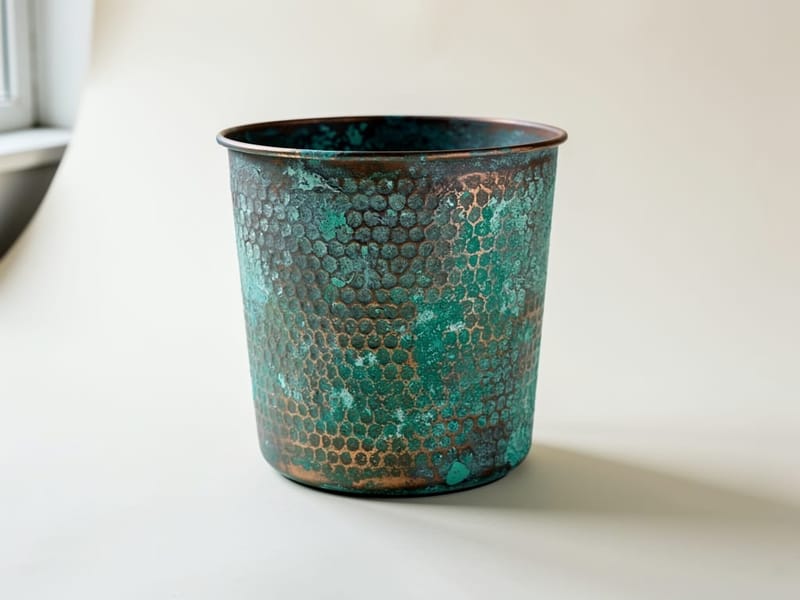 Planter, verdigrisFOB $16.00$22
 Pendant, smoked glassFOB $38.20$53
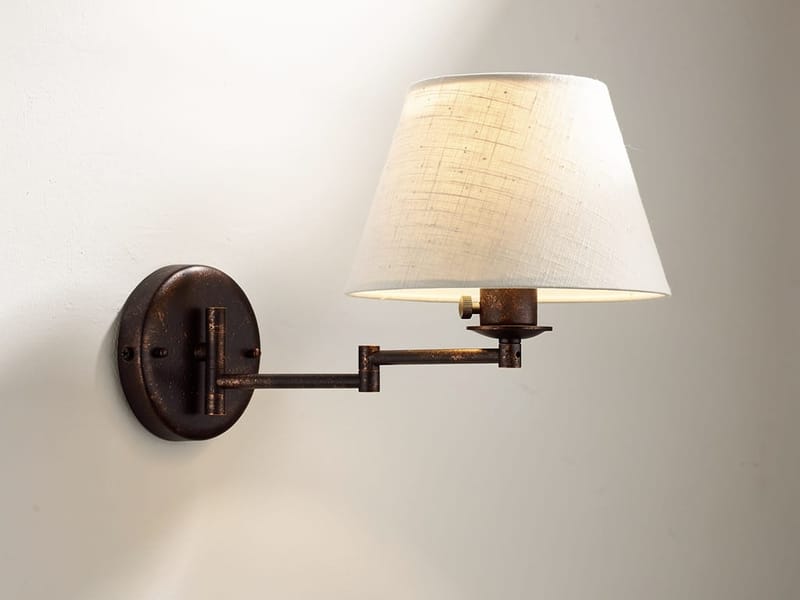 Sconce, oil-rubbed bronzeFOB $33.45$47
From your costs to the price a buyer sees.

See what a rate change touches before you save it.
Change the price of brass or a finish upcharge and Poly9 shows which products, open quotes and shared collections it affects, with an estimate of the new prices.What you can set.
Works with

Questions
Does the exchange rate update by itself?
No. Poly9 fills in today's reference rate when you pick a currency, and you save the rate you want. Your website prices stay on that rate until you save a new one.
What happens when I change a product's FOB later?
Once you have saved a website markup, saving a new FOB on a product works out its website price again with the same markup, currency and rounding.
Can I undo a reprice?
Yes. After you apply the markup to your products, the message that confirms it has an Undo button that puts every previous price and currency back.
Do quotes use the website price?
Quotes have their own price breaks, export terms and currency, set on the quote. The website price is what buyers see on your booth.
Put the right price on every product.
Pricing rules and cost recipes
Set pricing rules once: a cost recipe of materials, labour and overhead, then your markup, price breaks and export terms. Every price on your booth, quote and line sheet comes from those rules. Each one is a certified price you can explain.