 Poly9
Poly9Features / Grow / Fair kit
Your stand, ready to print tonight.
A QR for your booth, your hall and stand under it, and cards, a poster and a table tent that print on plain A4.
Try it: pick a fair, type your stand, switch the printed piece.Fair kitEverything for the stand at IHGF Delhi Fair, 13 to 17 October 2026.
● Booth livePrinted pieceFour A6 cards on one A4 sheet. Print 20 and leave them on the table.
QR files for your printer
Table card · 512 pxStand sign · 1024 pxBanner · 2048 pxSVG
PrintOpen fair mode
SMSaanvi Metal ArtsMetalware maker · Moradabad, India
Scan to see our full range and ask for pricessaanvi.poly9.ai · Hall 7, Stand 7-42
3printed pieces: stand card, poster and table tent
4stand cards on one A4 sheet, with cut lines
10 cmthe smallest QR we suggest, so it scans from a metre away
Minutesto a printed kit, versus a day with a designer (estimate)
From published booth to printed stand.
saanvi.poly9.ai
BoothPublished
Your QR is ready1 · PublishThe QR comes from your addressIt appears the moment your booth is live. No login or app for the buyer.
Hall and stand
Hall 7, Stand 7-42
saanvi.poly9.ai · Hall 7, Stand 7-422 · StandType it once for the teamIt goes under the QR on every piece you print.
4 A6 cards on one A4. Cut on the lines.
3 · PrintCards, a poster and a tentPrint at 100% on any office printer.
Fair mode · Day 2 of 5IHGF Delhi Fair, Greater Noida
Scan a cardQuick enquiry
4 · At the standFair mode on your phoneThe QR to hold up, card scanning and today's leads.
Today's leads6 today · 14 this fair
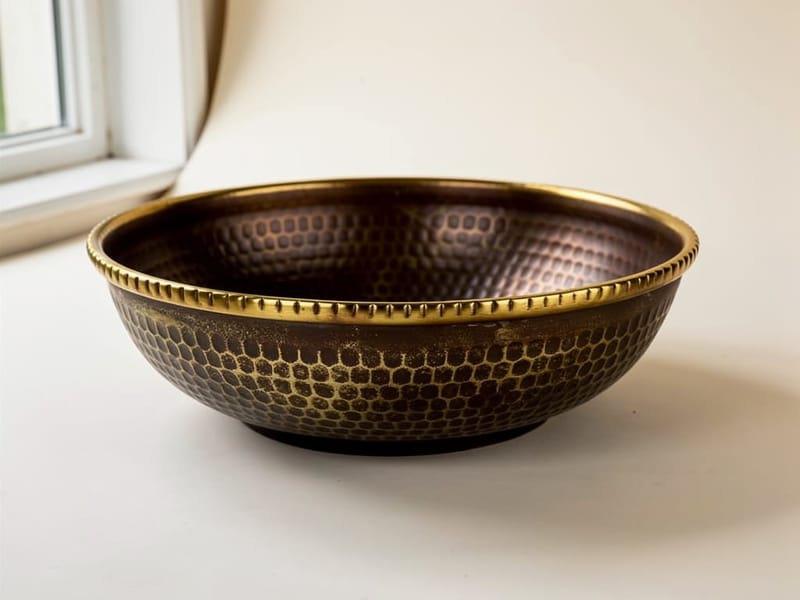
LHLena HolmNordlys Interiør · Hammered bowl11:42
MBMarco BelliniCasa Bellini · Verdigris planter12:15
JKJens KrausHaus Nord · Scanned card12:48
Fair mode
Every buyer who scans lands in one list.
Buyers scan and write from your booth. You scan a business card or log a quick enquiry for the ones who only talk. Each lead is one tap from its enquiry, ready for a reply the same evening.Everything in the fair kit.
Works with
Questions
What does the QR open?
Your booth, with your full range. Buyers need no login and no app, and can send an enquiry from any product.
Can my team use the same stand number?
Yes. Save the hall and stand once and everyone on your account prints the same line under the QR.
How big should I print the QR?
At least 10 cm square, so it scans from a metre away. Use the SVG for banners and anything printed large.
What if the hall wifi stops working?
Your QR still shows on your phone. Saving a new lead needs a connection, so note it and add it when you are back online.