SOONLaunching 15 Nov: the new Poly9 and SourcebookSee what is coming
Features / Show / Photo studio

Catalog photos from your phone.

Turn a workshop snap into a clean cover photo, a close-up or a room scene. One credit a picture, and your original stays in the gallery.

Try it: drag the slider, pick a product, then switch the picture type.
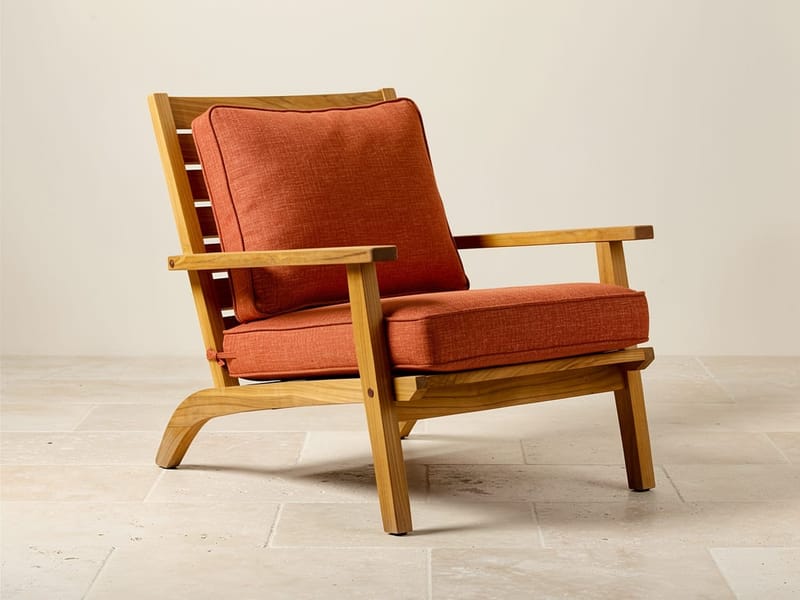

Lounge chair, terracotta, your photo
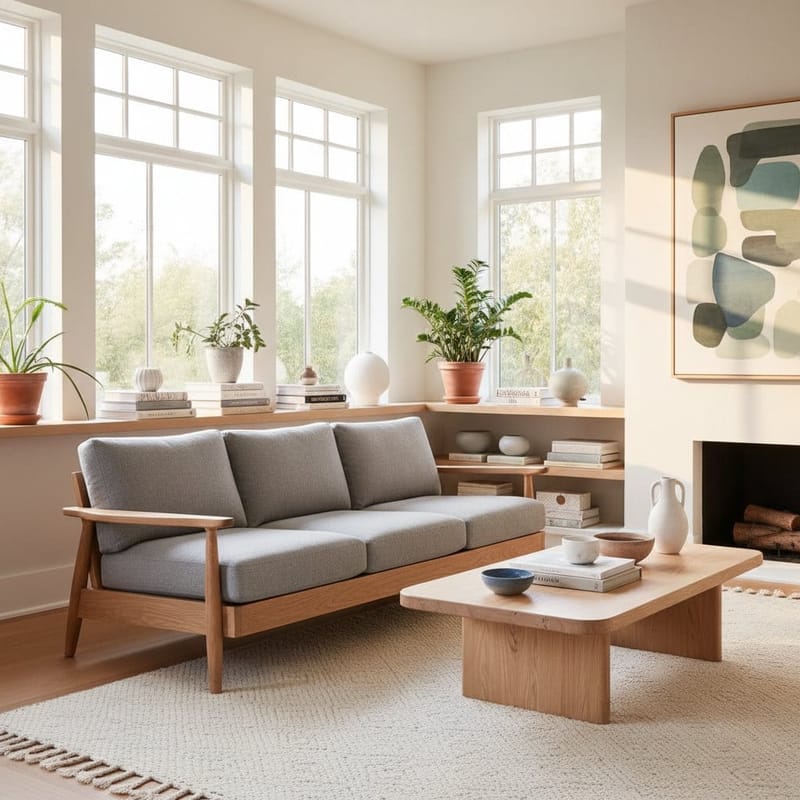
Room scene: sunlit living room
Before · your photo After · room scene
Lounge chair, terracottaCategory: Chairs · Sunlit living room
1 credit · added after your photosRoom chosen from the category
1 creditfor each clean background, new finish or room scene
3picture types: clean background, close-up, room scene
1re-roll per image when the first take is not right
1 tapto make any photo the cover

No studio, no photographer.

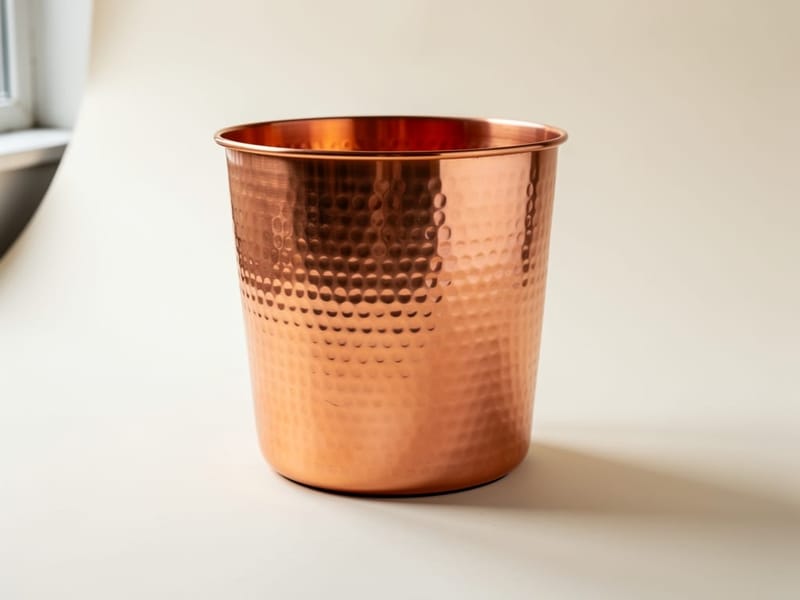
Phone photo of a copper planter
1 · SnapPhotograph it where it isOn the workshop floor, in daylight, with your phone.
Clean background1 credit
Room scene1 credit
Close-upat upload
2 · PickChoose the pictureFrom the product page, or ask the assistant to do it.
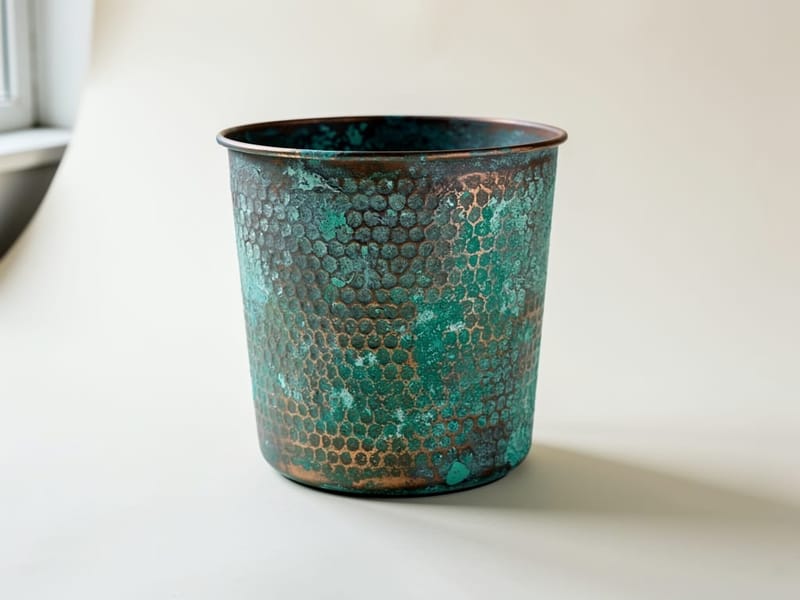
Clean picture of a verdigris planter
↻ Re-rollOnce per image
3 · CheckLook before you use itNot right? Re-roll it once for a new take.
Cover photoCover
Original photoRoom scene
4 · UseSet the coverPick the photo buyers see first. The rest stay in the gallery.
Lounge chair with terracotta cushions in a sunlit living room, rendered by Poly9 AI
Room scene
Lounge chair, terracottaLounge chair, terracottaCategory: Lounge chairs
Room chosenSunlit living room
Credits left187
Room scenes

A room that suits the product.

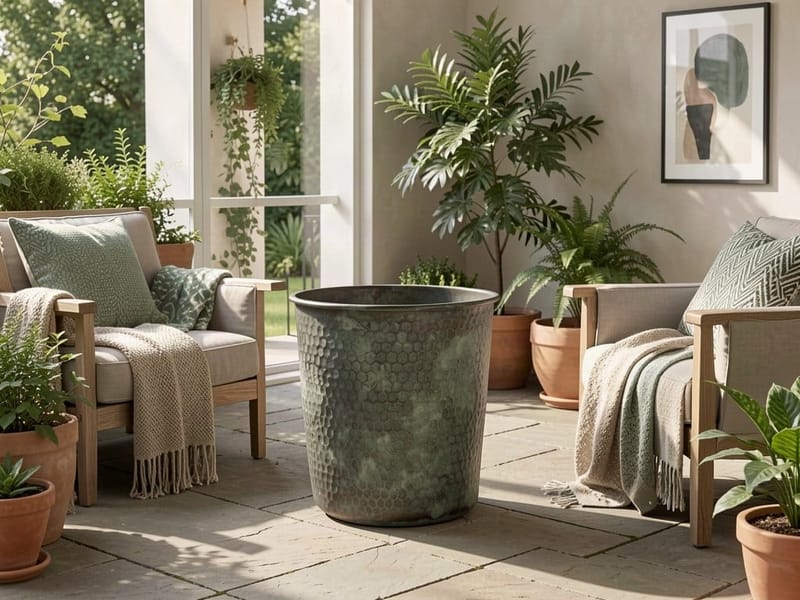
Planters go on a terrace, bowls on a console, lighting in a living room at dusk. Poly9 picks the room from the product's category and keeps the product as you made it.

Everything in the photo studio.

Clean backgroundPuts the product on a clean white background and makes it the cover.
Room sceneAdds a picture of the product in a room that suits its category.
Close-ups at uploadA crop of your real photo, or an AI close-up of the detail when you switch it on.
The product stays yoursEach picture is asked to keep the design, colours, finish and proportions of your photo.
Re-roll onceNot right? Try again once per image. A failed picture is redone free.
Choose the coverSet which photo buyers see first, and remove any you do not want.
Ask the assistantSay "give the planter a clean background" and it is done.
Credits in plain sightEach picture tells you how many credits you have left.

Works with

AI catalog →Products written from your photosDigital Booth →Show the new photos to buyersAI assistant →Ask for a new picture in plain words

Questions

Will the picture change my product?

Each picture is asked to keep your product exactly: its design, colours, finish and proportions. Check it before you use it. Your original photo stays in the gallery.

What does a picture cost?

One credit for a clean background or a room scene. Poly9 tells you how many credits are left after each one.

Can I try again if I do not like it?

Yes, once per image. If a picture fails, the retry is free.

Which photo do buyers see first?

The cover. A clean background becomes the cover, and you can pick a different one at any time.

Make your first cover photo today.

Used to 3D visualization?

Photo studio renders your product in new finishes and in rooms from one photo. You show buyers the options without building a 3D model.

Shoot one photo on your phone. Photo studio places the piece in a room and shows it in the finishes from your materials library. Each new image is one AI credit and goes to your gallery, next to your original photo.