 Poly9
Poly9Features / Sell / Collections and line sheets
A line sheet for each buyer, in seconds.
Pick products, add a note, and share a link that belongs to one buyer. They browse it on their phone or download the PDF line sheet.
Your products3 picked · tap to add or remove
Only Lena opens this link, so you see what she looked at.
Saanvi Metal ArtsMoradabad, India · saanvi-metal-arts.poly9.aiAutumn tableFor Lena Holm, Nordlys Interiør
"Lena, the antique brass pieces suit your autumn table story."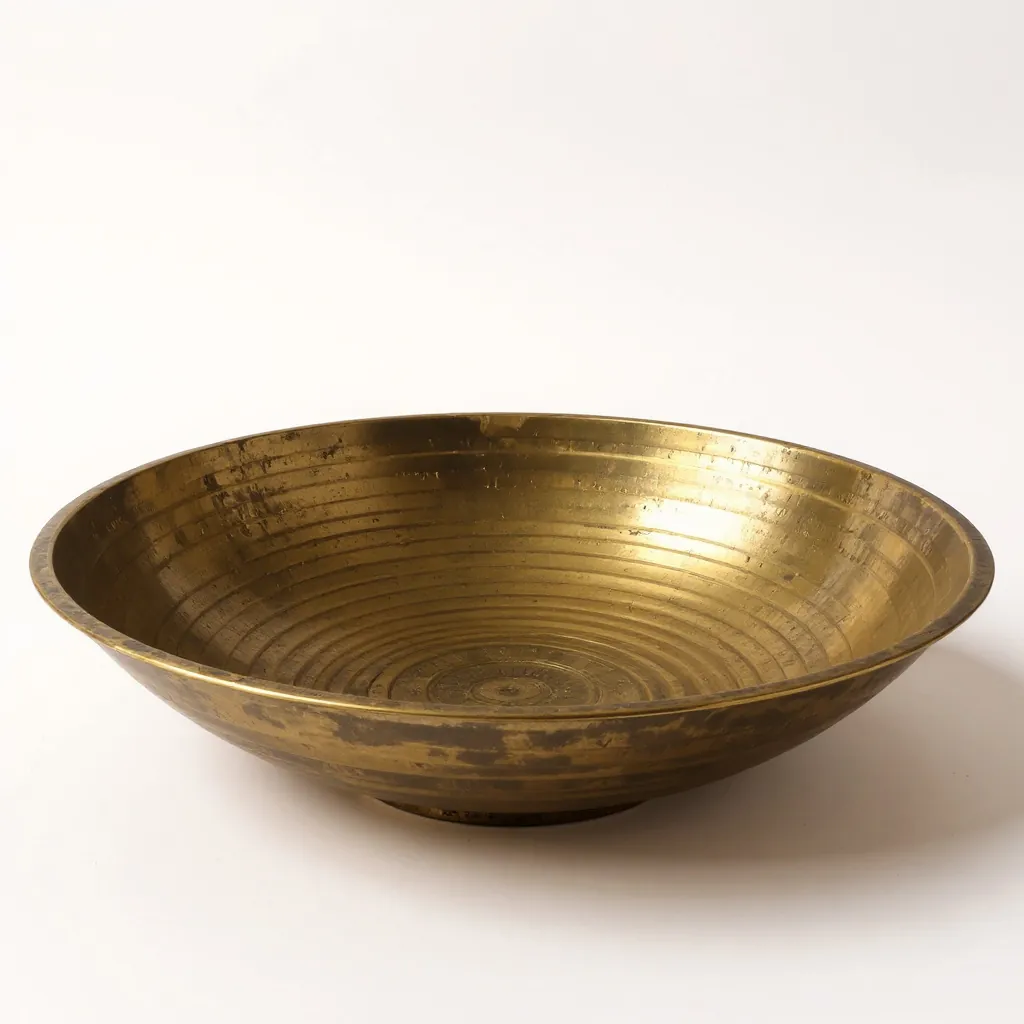 Hammered bowl, antique brassSM-B114 · 30 cmAntique brass, lacqueredMOQ 100 · 24 a cartonFOB $10.80
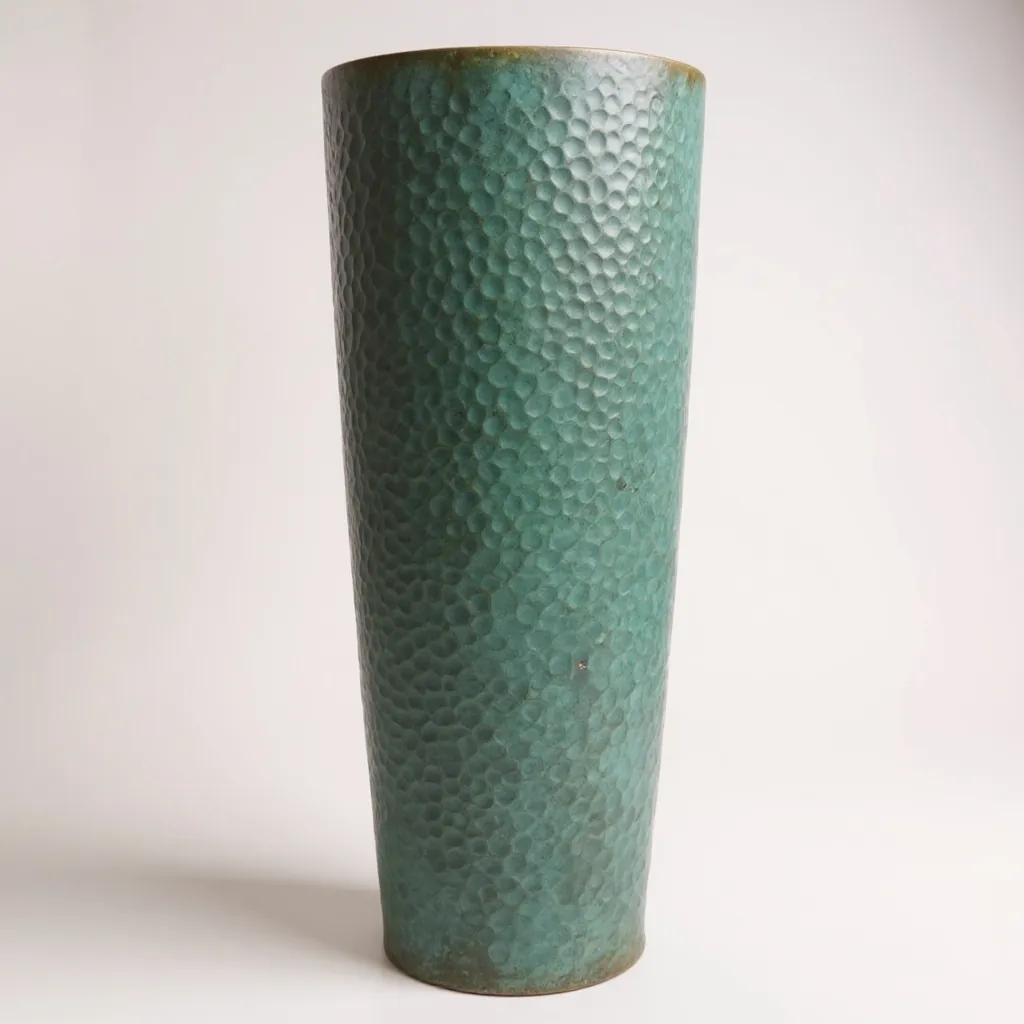 Tall planter, verdigrisSM-P220 · 40 cmVerdigris on copperMOQ 100 · 6 a cartonFOB $15.80
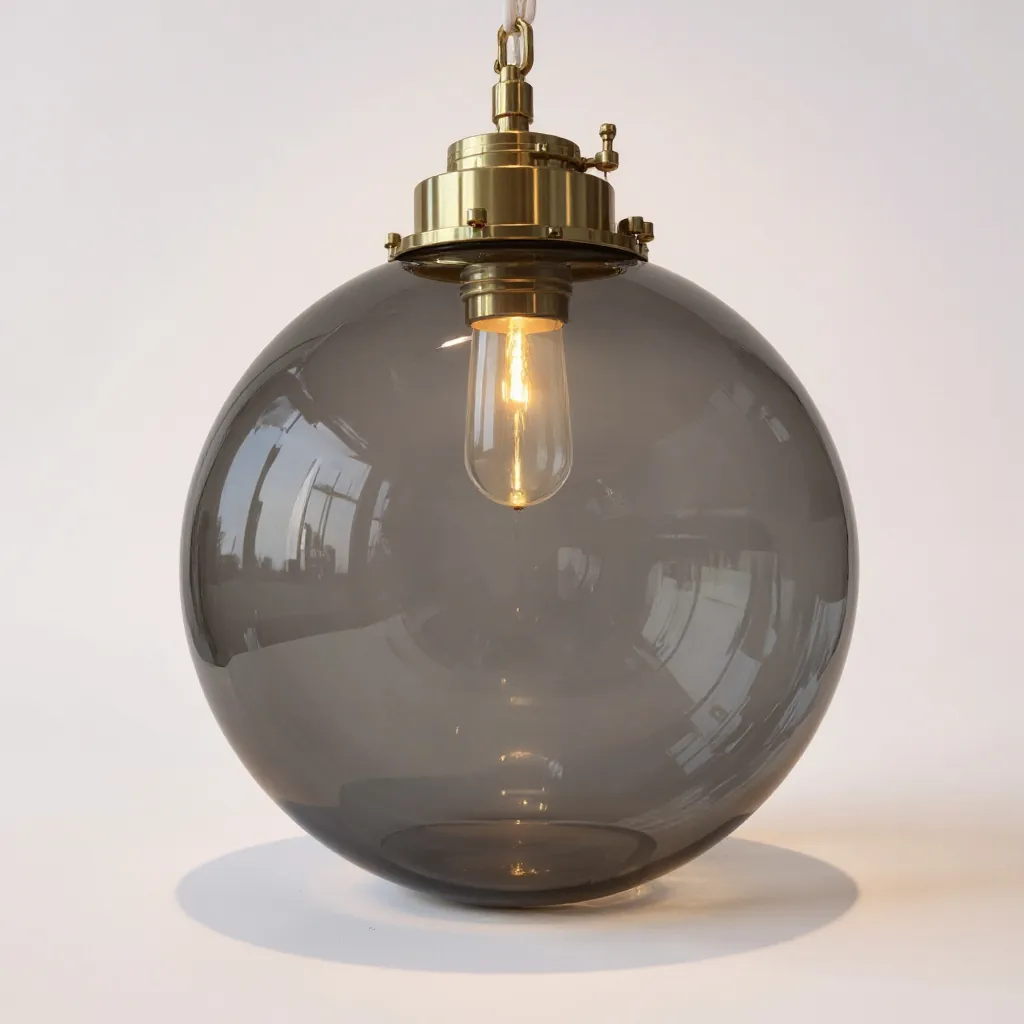 Globe pendant, smoked glassSM-L402 · 25 cmSmoked glass, brass capMOQ 100 · 8 a cartonFOB $11.80
Prices FOB Mumbai, USDPage 1 of 1
Download PDFPresent to this buyer
30 secto make a line sheet for one buyer, versus half a day by hand (estimate)
6products a page on the A4 line sheet, each with photo, SKU, size, finish, MOQ and packing
1 linkper buyer, so each buyer's opens are counted on their own
6kinds of activity tracked: opens, product views, clicks, PDF downloads, present opens and quote requests
Pick, note, share, then watch.
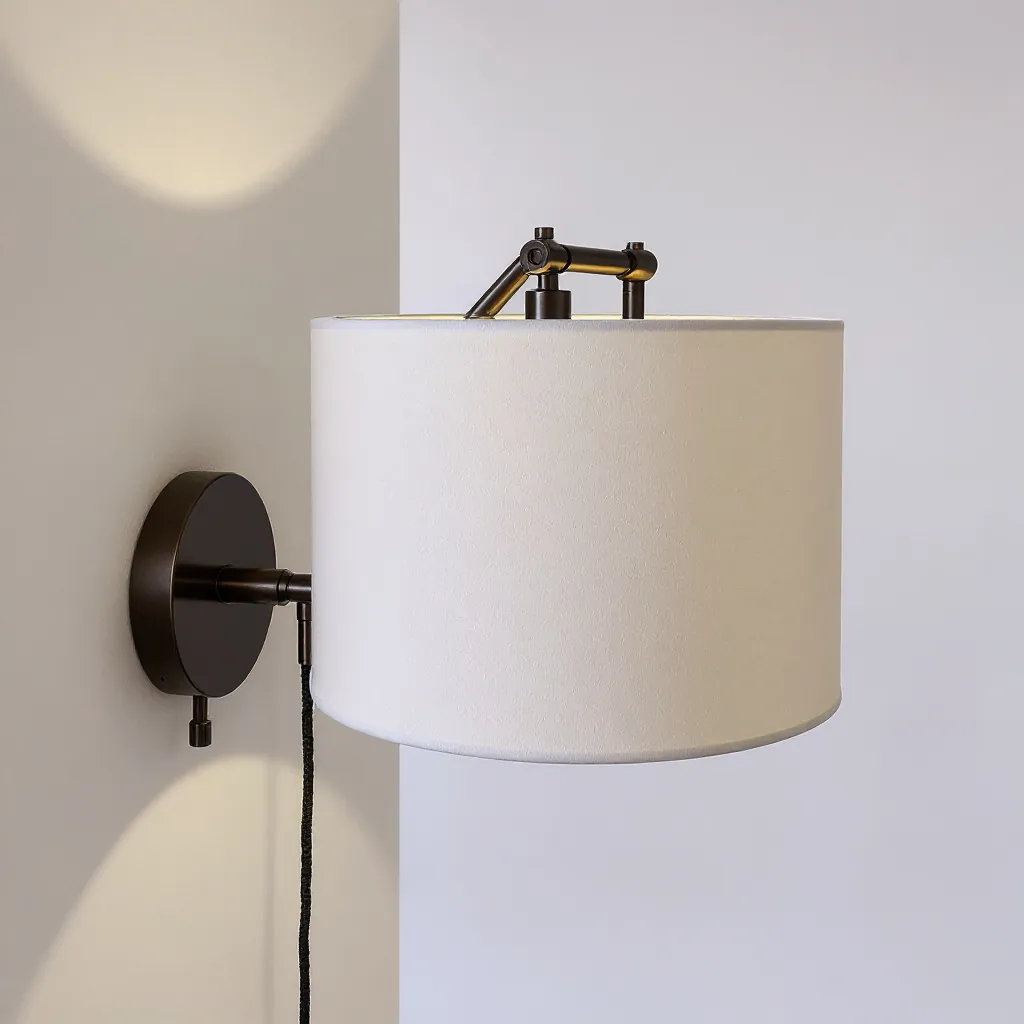
1 · PickTap products, or askOr tell Poly9 AI "brass pieces under $25" and it picks them.
Note for Lena
The antique brass matches your autumn table story.
The antique brass matches your autumn table story.
PricesShown
MOQShown
2 · NoteSay why you picked themA note for the buyer, with prices and MOQ shown or hidden.
LH…/col/autumn-lena-h7k2
MB…/col/autumn-marco-q4p9
JK…/col/autumn-jens-x2m5
3 · ShareOne link per buyerSend it on WhatsApp or email. Set when it ends, or revoke it.
Lena opened it3 times
Downloaded the PDFToday
Quote requestNew
4 · WatchSee who looked at whatOpens, products viewed, PDF downloads and quote requests, per buyer.
Who looked at what
LHLena HolmOpened 3 times · downloaded the PDF
MBMarco BelliniViewed the planter twice
JKJens KrausNot opened yet
After you share
Follow up with the buyer who is looking.
Every buyer has their own link, so you know who opened the collection, which products they looked at and who has not opened it yet. Call the interested ones first.Everything in a Poly9 collection.
Works with
Questions
Does the buyer need an account?
No. They open the link on any phone or computer and can download the PDF line sheet.
Can I hide prices?
Yes. Turn prices off and they are left out of the collection and its PDF line sheet.
How do I send the link?
Copy it and send it on WhatsApp or by email. Each buyer gets their own link, so you see who opened it.
Can a buyer ask for a quote from it?
Yes. Quote requests from a collection show up under the collection and in your enquiries.
Make your first line sheet today.
A collection builder for each buyer
Use the collection builder to send each buyer a curated, priced collection on one link, with a line sheet PDF when they want one.