 Poly9
Poly9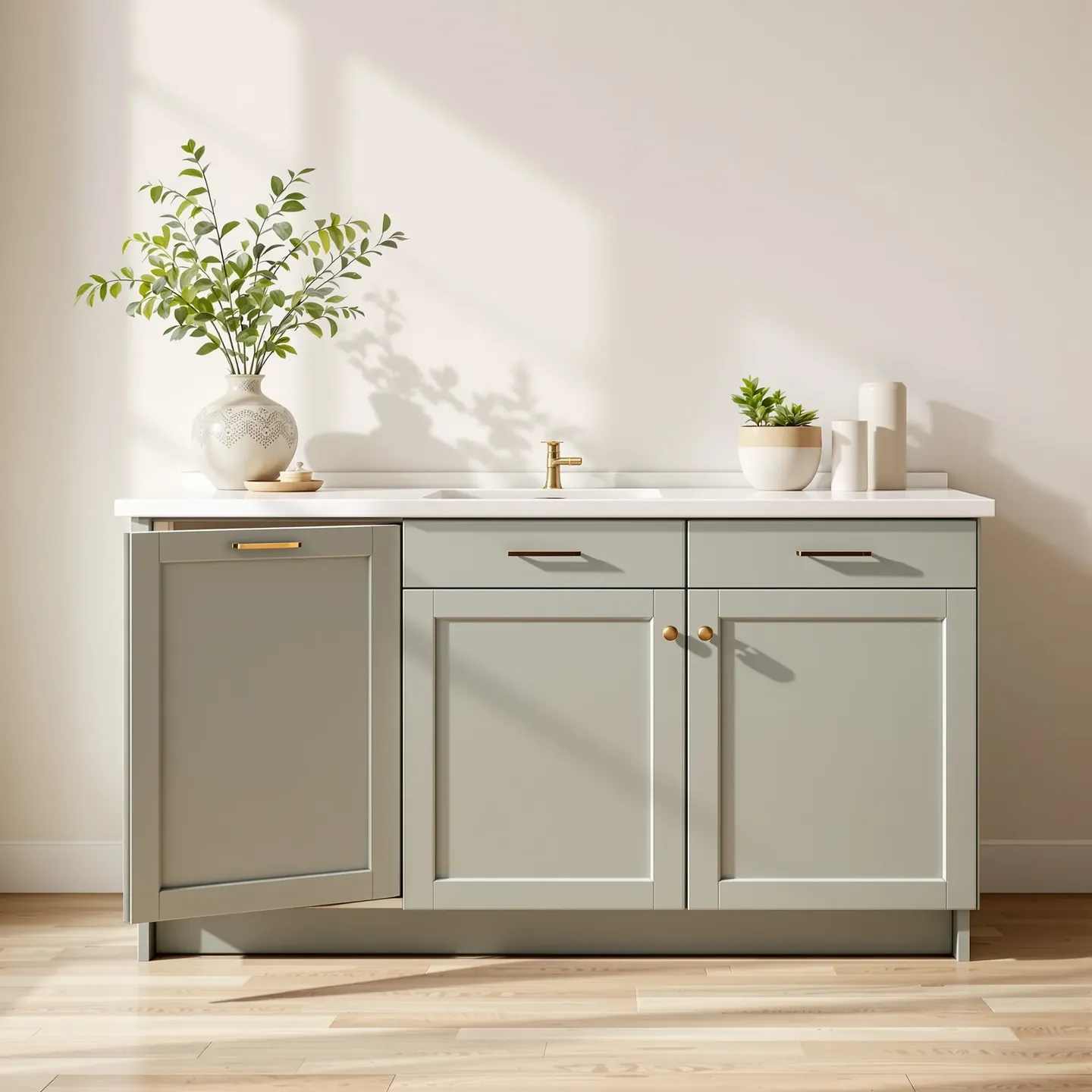
Configure door style, finish, and hardware: then hand them a priced quote in the showroom
A meeting playbook, five sales moves on your kitchen & cabinetry catalog
How kitchen & cabinetry sellers use this process
Illustrative composites of common sales conversations, not customer testimonials
“Door style, finish, and hardware used to turn every model-unit walk into a callback. Now the run is configured and priced before they leave the showroom.”
“"Twenty-two feet of shaker in sage, soft-close" shouldn't be a overnight worksheet. I configure the run, show it, and send the quote in the appointment.”
“Clients change finish mid-walkthrough. I update the render, keep worktop and hardware rules straight, and leave with a shareable quote, not a revision loop.”
What's inside the guide
A playbook-first walkthrough, what YOU do, not what the software does
Why meetings die without a process
The gap between "I like this" and a signed purchase order, and why you need a repeatable meeting process.
Five sales moves you take
Answer · Configure · Show a visual · Price in the meeting · Send quote & share collection, the playbook.
Answer from your catalog
MOQ, lead time, grade, construction, answer in the conversation, not three emails later.
Configure options and show a visual
Size, finish, colorway, COM, render the configured product while they're still in the meeting.
Price from your approved rules
Per-foot, per-meter, grade matrix, MOQ breaks, certified price from your rules, never guessed.
Quote and share collection
Send a priced quote they can approve and share. Build multi-SKU collections buyers can walk through.
Run the visit faster
Fair booths, showroom walks, model-unit tours, quote before they leave, not overnight.
Next-meeting scenarios
What to do when they ask for three finishes, a size change, or "can you do this in my colorway?"
Poly9 reveal
Poly9 does all of this on your catalog. Plans are paid monthly and cancel any time.
Ready to try it on your catalog?
Create your account, add your catalog or a sample one, and send the first quote. Plans are paid monthly and cancel any time.
Get startedFrequently asked questions
How does per-foot pricing work?
Your catalog includes per-linear-foot rules for base cabinets, uppers, and specialties. Enter the run length, select door style and finish, and the AI calculates the total.
Can I show different door styles and finishes?
Yes. Configure shaker in sage, then slab in walnut, each gets a render and certified price. Send both so the client can compare.
What about hardware and worktop options?
Your catalog can include hardware (soft-close, standard hinge) and worktop (quartz, granite, laminate) pricing. The AI adds those costs to the quote.
Do I need to measure the entire kitchen?
For quick quotes, you can use linear-foot estimates. For precise quotes, enter the full layout. The AI works with whatever detail you provide.